What “gemini storybook” searches usually mean
Queries like gemini storybook or storybook gemini almost always point to Storybook in the Gemini app—not Storybook.js, the React component workshop developers use for UI previews.
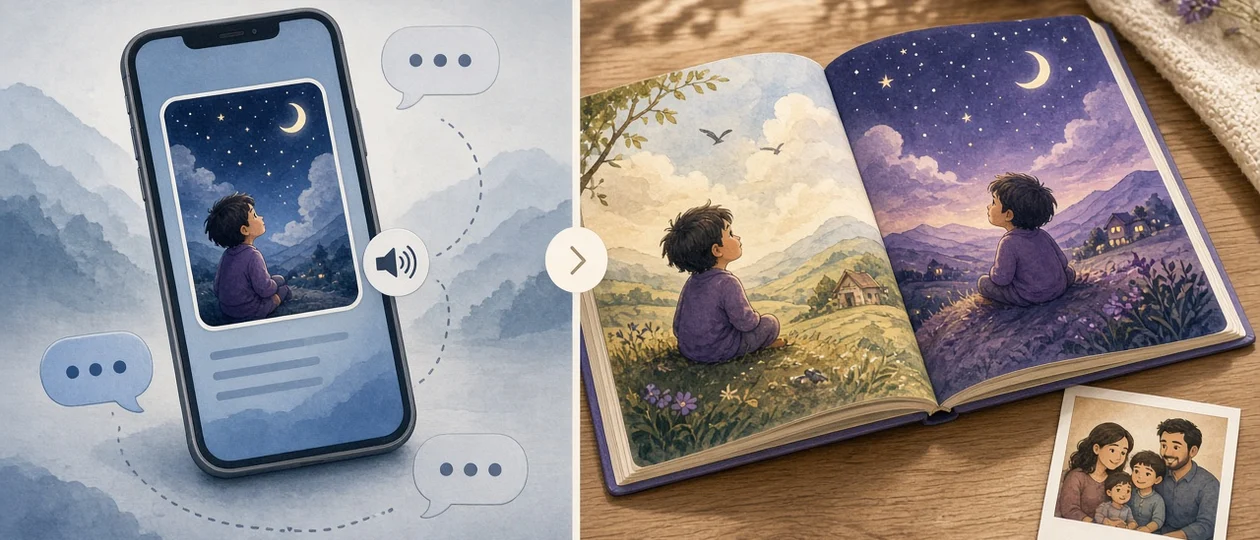
Google’s feature co-writes a short illustrated story (often about ten pages) from a prompt, optional photos or files, and read-aloud narration. You can share a link or print from the browser. It is built for speed and delight on the first pass.
SagaPages sits on a different job: multi-page kids picture books where the same child or character must look like themselves on every spread, with per-page edits and export paths aimed at keepsake printing—not just a screen story.
What Gemini Storybook does especially well
If you want a bedtime story tonight with minimal setup, Gemini is hard to beat. Describe the plot, optionally upload a family photo, and you get a full micro-book with voice narration in supported languages.
Iteration is conversational: ask for a funnier tone or a watercolor look and Gemini generates a new version. That matches exploratory parenting—“let’s see what the model imagines”—more than a fixed print deadline.
Sharing is lightweight: send a public link to grandparents. For many families, that is the whole goal. No studio, no page grid, no print spec.
- Fast first draft with illustration + narration
- Photo- or file-inspired stories in one chat flow
- Easy share links for family review
- Strong fit when the book lives on a phone or tablet
Where one-shot AI storybooks often break down
The pain shows up when the project becomes a book in the physical sense: flip-through quality, the same face on page eight as on page one, or fixing a single spread without redoing everything.
Generic chat flows treat each regeneration as a fresh creative branch. Hair shifts, outfits swap, and side characters morph—readers notice by page four even when every image is pretty on its own.
Print adds another bar. Browser print from a share view is fine for a souvenir; it is not the same workflow as reviewing margins, text safe areas, and calm backgrounds for an 8.5×11 keepsake. Teachers hit different walls: age gates, account types, and how much student imagery can ride on a public link.
Gemini Storybook vs SagaPages at a glance
Neither tool replaces the other. Gemini optimizes for quick co-created stories inside Google’s app. SagaPages optimizes for repeatable cast identity, page-level control, and print-minded review.
- Draft speed: Gemini—one prompt to a narrated micro-book; SagaPages—anchor character first, then eight to sixteen beats.
- Character consistency: Gemini—regenerate whole versions; SagaPages—locked protagonist/cast and fix individual pages.
- Editing: Gemini—continue the chat (“make it funnier”); SagaPages—re-run one spread without rebuilding the book.
- Narration: Gemini—built-in read-aloud; SagaPages—you read aloud or share the digital flipbook (no bundled TTS today).
- Print: Gemini—browser print from the story view; SagaPages—PDF export and print-oriented layout review.
- Reuse: Gemini—new chat for the next holiday; SagaPages—character library carries forward to the next book or craft project.
- Classrooms: Gemini—check age and sharing rules for your account type; SagaPages—mascot-only books without student photos (see the classroom teachers guide).
When to start in Gemini
Choose Gemini when you want a narrated story quickly, you are fine re-generating whole versions, and the outcome is mostly digital—a link in the family chat, a one-night read-aloud, a fun demo of AI storytelling.
It is also a good sandbox before you invest in a print run: test whether kids care about the premise before you lock art direction elsewhere.
When SagaPages is the better fit
Choose SagaPages when the book must survive a flip test: same protagonist from cover to cover, a sibling who returns on page six, or a gift that should print cleanly.
Photo-to-storybook flows matter here. Upload a clear reference, define canon once, then write scene-only page beats so identity language does not creep back into every prompt.
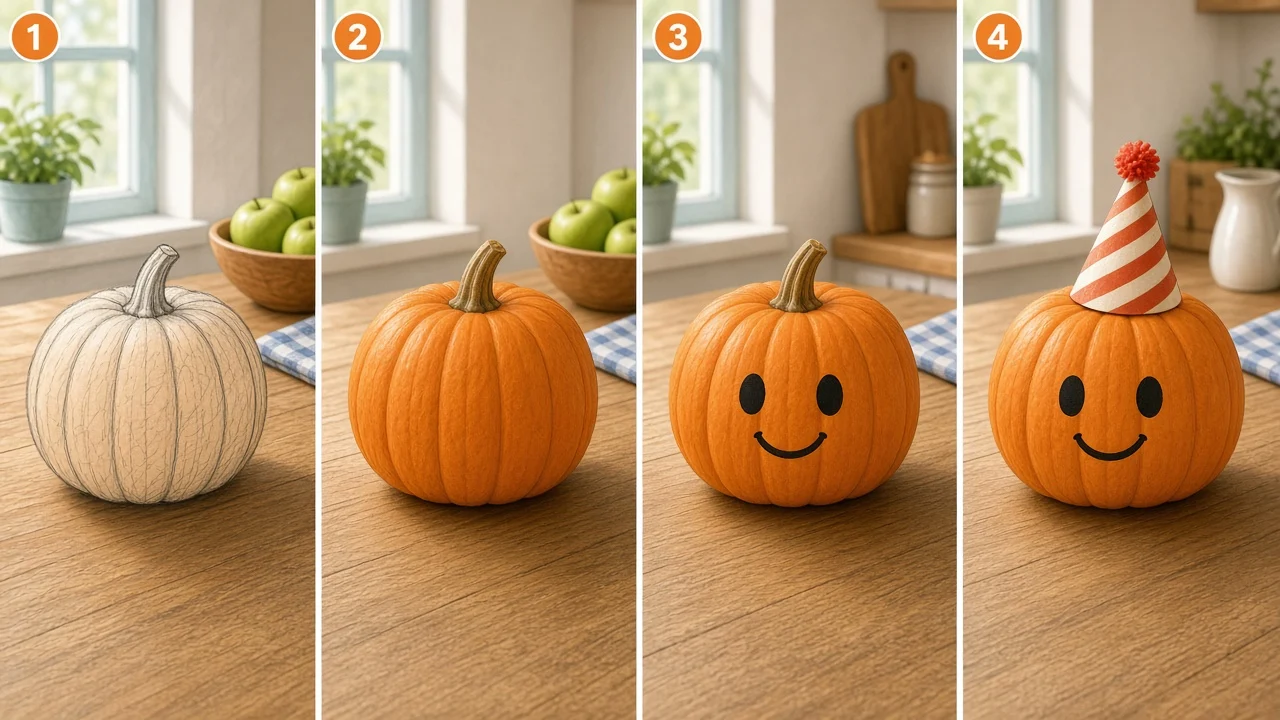
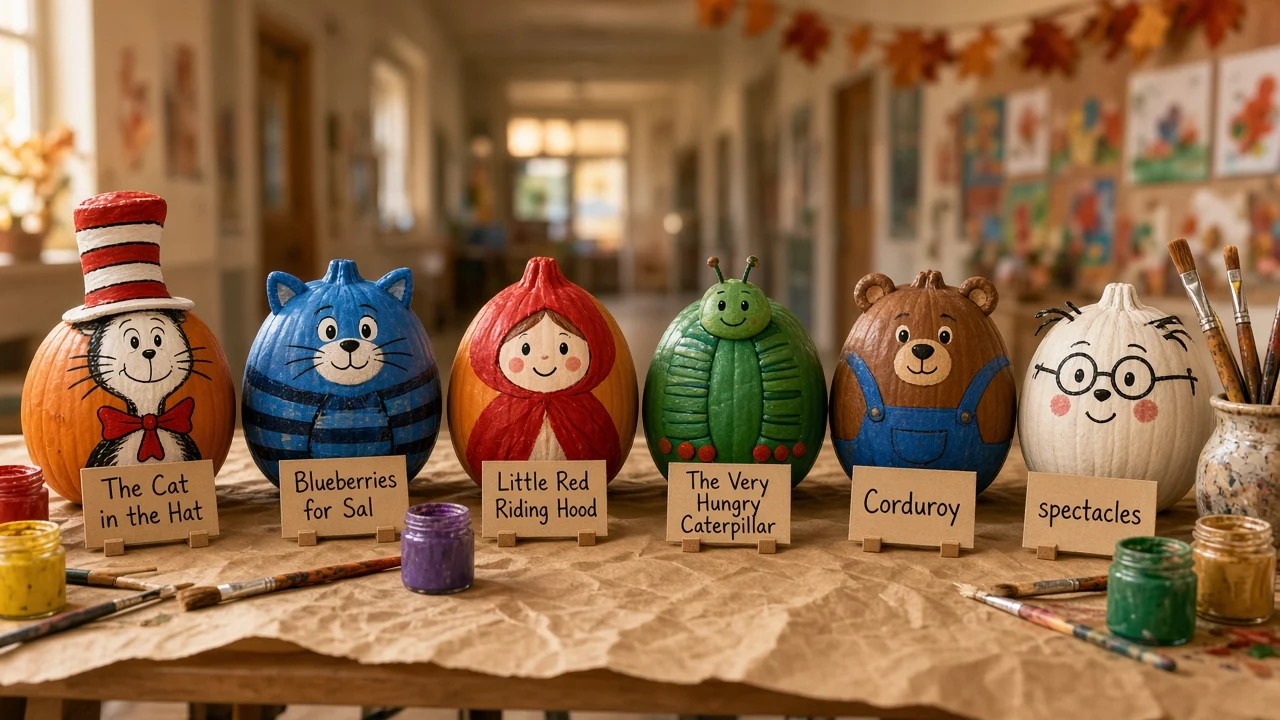
Seasonal crafts are the same logic in another shape: one anchor portrait can feed a storybook pumpkin, a costume, and the illustrated pages without illustration drift.
- Grandparent gifts and birthday keepsakes headed for print
- Bedtime books where visual trust matters as much as the plot
- Teachers publishing a class story without putting student photos on a public link
- Creators who already hit “page four looks like a different kid” in chat tools
If you already made a Gemini draft
You do not need to throw away the plot. Export what you can, then rebuild production in a studio meant for pages: write down canon facts (hair, outfit, prop), draft eight one-line beats, and regenerate with those beats only.
The AI storybook workflow guide walks through anchor → beats → flip → fix-one-page—the same loop behind community books like Lucy’s bedtime moon story.
Open photo storybook create when the hero is a real child; open the guided storybook hub when you are starting from a mascot or fictional cast.
Common questions
Is this about Storybook.js for React? No. This page compares Google’s Gemini Storybook feature with printable kids picture books—not frontend component libraries.
Is Gemini Storybook free? Google offers Storybook inside Gemini with usage limits that change over time; check Google’s current plans. SagaPages uses its own credits and subscription tiers for image and story generation.
Can I move a Gemini story into SagaPages automatically? There is no one-click import. Treat Gemini output as a story outline, then rebuild pages with a locked cast in SagaPages.
Which is better for teachers? It depends on policy and age rules in your district. Many classrooms prefer mascot-led books and controlled sharing—see classroom teachers and character consistency before you pick a tool.
Does SagaPages include read-aloud like Gemini? Not as bundled narration today. Families and teachers read the digital book aloud, or use the printed copy in circle time.